

|
|
|
|
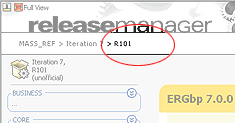
Prerequisites 1. Go to Release info page by clicking on a release
label at top-left corner. 2. On the next page (Release info page), select a release label from the Label column in Release History table list. 3. Click on "Reason for Release 4. In pop-up window, give reason(s) and click SUBMIT to finish.
See also |
 "
button.
"
button.