

|
|
|
|
Prerequisites By making a package official, its dependencies will be locked. This essentially means that your package is officially ready to be used by other packages dependent on it. 1. Select a Package. 2. On package details page with "Dependencies"
tab on, click on "Status 3. You will be asked to confirm your action, so click OK button. Package is now official.
|
 "
button.
"
button.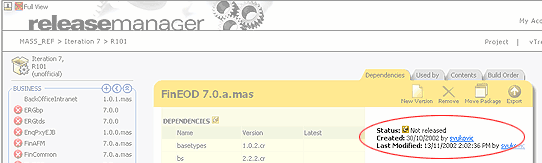
 See
how
See
how