Prerequisites A: User must be logged in. B: User must be granted at least "power user" role. Check this with your administrator.
1. Go to Release Manager™ Home
2. Click on icon. (located on top-left side on the page)
3. In a new pop-up window type in project name.
4. Click "Create" button to finish.
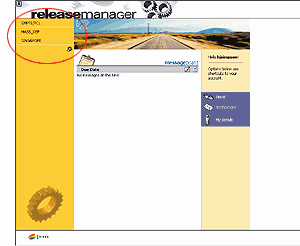
New project name should appear on the left menu list at Release Manager™ Home.
See also Create new Version Tree


 icon. (located on top-left side on the page)