|
|
 |
|
Prerequisites 1. Go to Release Diff page using the menu at top-rigth
corner.
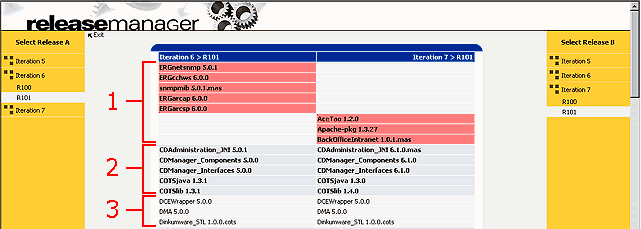
2. On the next page (Release Diff page), select Release A on the left and Release B on the right to compare. When both release are selected, comparison result
will be displayed in the middle. Figure above is the sample of comparison results. Labels 1, 2, and 3 are explained below.
|